
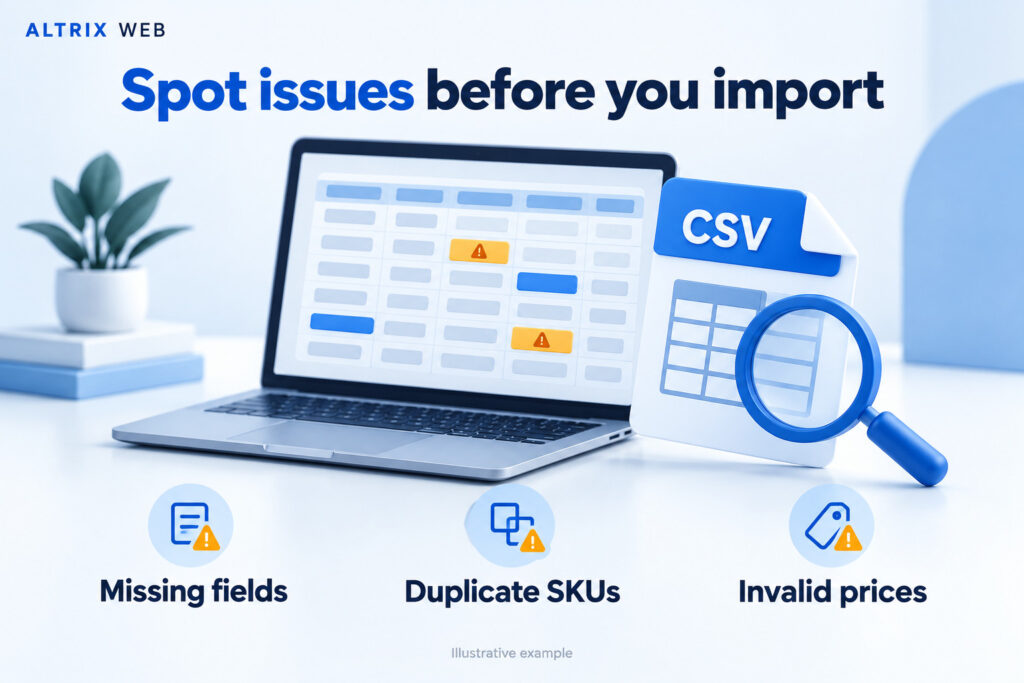
Product CSV Checker: find catalog issues before you import.
Review your product CSV for missing fields, duplicate SKUs, invalid prices and inconsistent variants. Get a clear report of the records that need attention while your product data stays on your computer.
One-time purchase · Downloadable ZIP · No app login · No recurring subscription for this version
Extract the download and open START-HERE.html in your desktop browser. This is a standalone tool; WordPress installation is not required.
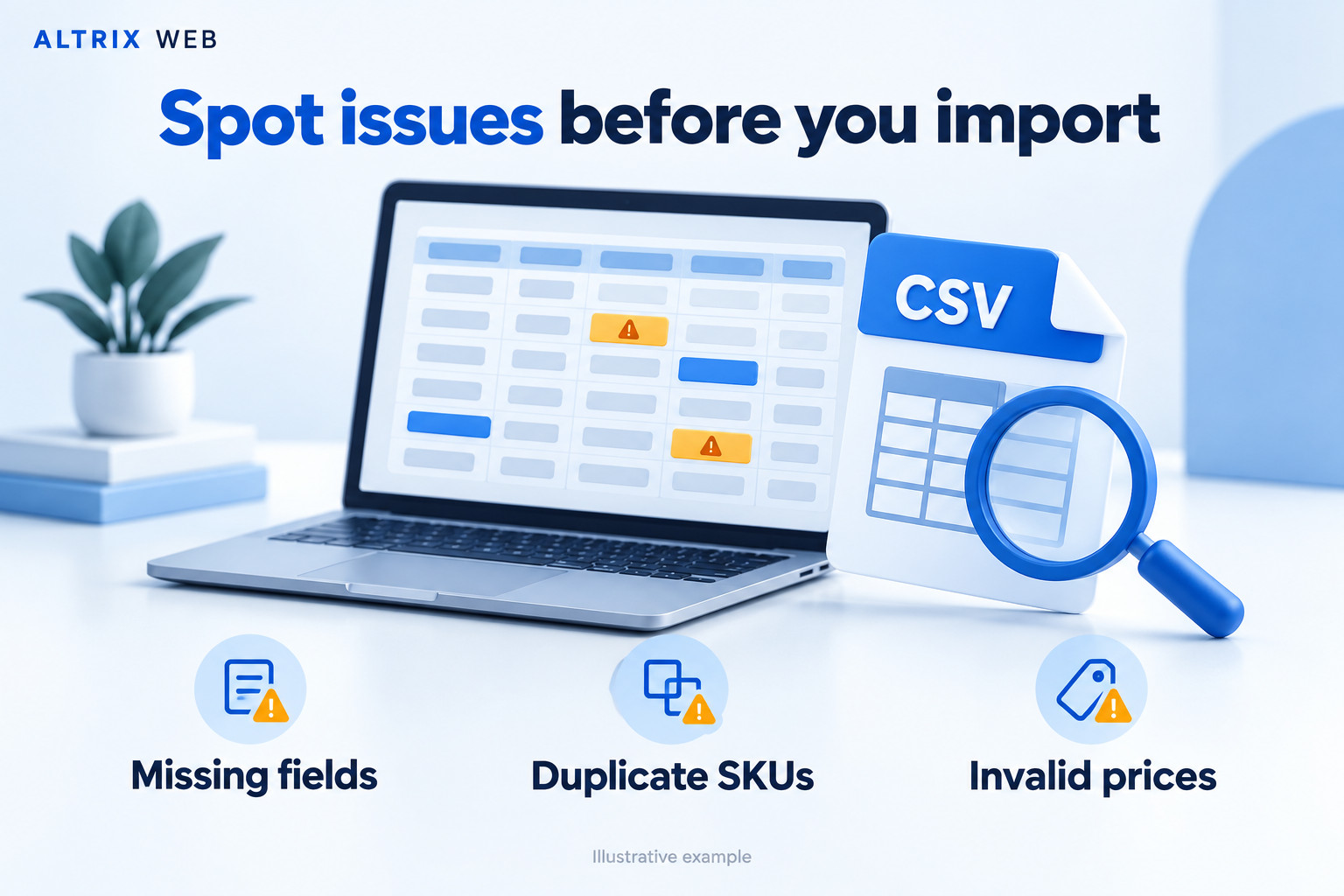
Illustrative examples, not a live scan or a screenshot. Actual findings depend on your file, mapped columns and selected checks.
A small spreadsheet mistake can become a large catalog problem.
Supplier spreadsheets, product exports and migration files often need a careful review before they reach your store. A missing price, reused SKU or mismatched variant can be difficult to spot by scrolling through rows.
Altrix Product CSV Checker gives you a structured first pass. Open the file, confirm what each column means and review the findings in one place. Each finding identifies the source line, affected field, issue and suggested action, helping you decide what to fix in your original file.
Review product data before upload
Check a supplier file or catalog export for missing information, suspicious prices and repeated SKUs before a bulk import.
Add a repeatable quality check
Review mapped product and variant fields before importing a prepared migration file into the destination store.
Share specific corrections
Export a findings report that gives clients or catalog assistants a clear list of records to review.
Useful checks for everyday product CSV work.
Choose the columns you want to inspect. Fields that are not mapped are skipped; the report highlights when core checks are unavailable.
| Check | What it looks for | How to use the finding |
|---|---|---|
| Product titles | Missing product titles and conflicting titles within a shared product identifier. | Add the title or confirm that grouped rows belong to the same product. |
| SKUs | Blank SKUs and repeated values, with optional case-sensitive matching. | Check whether each product or variant has the intended inventory identifier. |
| Selling prices | Blank or zero prices, negative amounts, invalid numbers, currency symbols and thousands separators. | Confirm the intended amount and use a plain non-negative decimal value. |
| Compare-at prices | Invalid amounts and compare-at prices that are not greater than selling prices. | Review the intended price comparison or leave the field blank where appropriate. |
| Variant consistency | Missing option names or values, inconsistent names, gaps between option positions and repeated option combinations. | Check up to three option pairs within each mapped product ID or handle. |
| Optional completeness | Missing mapped images, descriptions and categories at product-group level. | Add information needed for launch, or disable these checks for an intentional partial update. |
| Image URL format | Mapped image values that are not absolute HTTP or HTTPS URLs. | Review the URL format. The tool does not visit the image or check availability. |
| CSV structure | Invalid quoting, blank or repeated headers and records with inconsistent field counts. | Repair the file structure before relying on field-level results. |
| Shopify profile checks | Handle format, selected status values, comma separation and image-only continuation rows. | Review the supported Shopify-specific checks alongside the platform’s own import preview. |
Important distinction: a missing SKU or price is a readiness warning, not a universal Shopify import requirement. Repeated SKUs may also be intentional. Review each finding in the context of your store and import operation.
Understand what a finding means before changing your data.
Product CSV Checker identifies patterns that deserve attention. The right correction depends on whether you are creating new products, updating existing records or preparing a migration.
| Example value or pattern | Potential issue | What to review |
|---|---|---|
TSHIRT-001 appears twice. | A repeated SKU may identify two different sellable items. | Check whether the duplication is deliberate before assigning a new identifier. |
A price contains $29.00. | The value includes a currency symbol. | Confirm your import format and use a plain decimal such as 29.00 where required. |
Selling price is 0. | The product may be offered without a charge. | Confirm that it is intended to be free rather than an unfinished price entry. |
| Two rows share the same product ID, Size and Colour. | The same variant combination may have been repeated. | Compare the complete rows and determine the correct set of variants. |
An image column contains photo.jpg. | A filename is not an absolute HTTP or HTTPS URL. | Supply an appropriate complete URL if required by your destination platform. |
| A record contains fewer fields than the header. | Missing delimiters or incorrect quoting may have altered the structure. | Resolve the structural problem before interpreting the product-field checks. |
When a warning is intentional
A price-only update can deliberately omit descriptions, categories or images. A free sample can have a zero price. Review the purpose of the import and adjust optional checks accordingly.
When to investigate further
A repeated SKU across unrelated products, a negative price or a duplicated variant combination needs closer review. The report provides a starting point; your source records and platform requirements determine the correction.
Make product-data issues easier to explain.
A clear findings report gives store owners and migration teams a shared list to work through. Instead of asking someone to check an entire spreadsheet, point them to the affected record and field.
Use the exported findings to request missing details from a supplier, coordinate corrections with a catalog assistant or document your review for a client.
The checker reports issues without changing the original file. Your team stays in control of the final data.
How Product CSV Checker works.
Extract and open
Download the ZIP and extract it on your computer. Open START-HERE.html in your desktop browser. No plugin installation or store credentials are needed.
Choose your CSV
Select a UTF-8 CSV, TSV or delimited TXT file. Choose comma, semicolon or tab separation, or use automatic delimiter detection.
Confirm the mappings
Review the suggested column mappings. Select the Shopify or Generic profile, then map the title, SKU, price and any other fields you want checked.
Run the check
Review errors and warnings. Search by product, SKU, issue or source line, and filter the report to focus on the findings you need.
Export your findings
Download all stored findings or just your filtered selection as CSV. Use your browser’s print dialog to print or save a separate audit summary as PDF.
Correct and recheck
Edit the original file in your spreadsheet application, save it as CSV UTF-8 and open it again for another check before importing.
Your source file stays unchanged. The checker identifies potential issues and suggests actions. It does not rewrite your CSV, import products or modify your store.
Two profiles. Clear control over your columns.
Shopify product CSV
Use this profile for product files with Shopify-style fields and shared product handles. Common current and legacy column names can be recognized automatically.
- Group related records by product handle.
- Allow blank continuation-row titles within a product group.
- Recognize image-only rows when their mapped fields match that pattern.
- Check mapped variant options within each product.
This profile covers selected product CSV rules. It does not reproduce every Shopify import requirement.
Generic product / variant CSV
Use this profile for flat product spreadsheets with different column names. Map the fields manually when the suggested matches do not fit your file.
- Map your own title, SKU and price columns.
- Use a shared product ID to group variants.
- Map up to three option name/value pairs.
- Choose whether optional completeness checks are useful for the task.
Generic mode does not implement WooCommerce parent/child records or every marketplace’s import schema.
See where the issue is and what to review.
The findings table connects each issue to a source line, product identifier, field and value. It also includes an explanation and suggested action.
Export a working list for your team, or use the printable summary to record the selected profile, mappings and totals for a client handoff.
Line numbers refer to the starting physical line of each CSV record. Quoted multiline descriptions can make these different from spreadsheet row numbers.
Included reporting tools
- Error and warning totals.
- Record and affected-record counts.
- Search and severity filtering.
- Paginated findings table.
- All-findings and filtered-findings CSV exports.
- Printable summary with column mappings.
- Suggested corrections for each finding.
Report exports are for review, not reimport. Formula-like text receives a protective apostrophe, and long offending values are limited to 500 characters.
Keep the review on your computer.
The application reads your file inside your browser and performs its checks locally. It does not upload your catalog to Altrix Web or send it to an external scanning API.
No store connection
You do not need to share an admin password, API key or access token. The checker works with the file you choose.
No tracking built into the app
The application includes no analytics, remote libraries or cloud processing. An internet connection is not needed to run a local check.
You control saved reports
Clear the session or close the page to discard its in-memory results. Exported reports remain wherever you save them on your device.
Prepare the file, review the report and recheck your changes.
Before checking
- Keep a backup of the original export.
- Use one header row with unique, nonblank names.
- Export spreadsheets as UTF-8 CSV.
- Preserve SKU leading zeros and text identifiers.
- Keep related variants under the same product identifier.
While reviewing
- Check column mappings before running the scan.
- Resolve file-structure issues first.
- Distinguish intentional blanks from missing data.
- Use filters to focus on one kind of finding.
- Export the detailed report when sharing corrections.
Before importing
- Save corrections to a separate working copy.
- Run the revised file through the checker again.
- Review the destination platform’s requirements.
- Inspect its import preview where available.
- Test a small batch before a large catalog update.
Splitting large files requires care. Keep all rows for a product together so grouped checks remain useful. Duplicate SKUs that appear in different files cannot be detected across separate scans.
Requirements, supported files and limits.
| Item | Version 1.0.0 |
|---|---|
| Application type | Downloadable, standalone HTML/JavaScript browser tool. |
| Desktop browser | Requires JavaScript, local file reading and Blob Web Workers. Designed for modern desktop browsers such as Chrome, Edge and Firefox; local-file policies can vary. |
| Accepted input | UTF-8 CSV, TSV or delimited TXT with one header row. Save Excel workbooks as CSV UTF-8 before opening them. |
| CSV handling | Comma, semicolon and tab delimiters; quoted fields, embedded commas, doubled quotes and multiline values. |
| Per-file limits | Up to 20 MB, 100,000 data records and 250 columns. These are input limits, not a performance guarantee for every device. |
| Stored findings | Up to 25,000 findings. Larger reports are clearly marked partial; split the input for complete findings exports, keeping related product rows together. |
| Unmapped fields | Skipped. A title mapping is required to run the check; map IDs and options for grouped variant checks. |
| Not covered | Live store comparisons, image availability, inventory rules, taxes, fulfillment dependencies, metafields, market-specific pricing and full platform import validation. |
A readiness review, not an import guarantee. A clean report means no issues were found by the selected checks. Keep a backup and use your destination platform’s import preview or a small test import before making large catalog changes.
Altrix Product CSV Checker
A focused tool for store owners, freelancers and agencies that want a repeatable product-data review before import.
What is included
- The standalone checker in a downloadable ZIP.
- Shopify and Generic mapping profiles.
- Issue filtering and CSV reporting.
- Printable audit summary.
- Clean and problem-filled sample CSV files.
- Getting-started guide and troubleshooting instructions.
- Editable source code for permitted internal modifications.
Product CSV Checker
Introductory one-time price.
No recurring subscription is required for this version.
Continue to the product page to review the purchase details and add the tool to your cart. Check the final order total and applicable terms before placing your order.
License: one individual or organization may use the tool on its own devices for internal checks and client audit services. Generated reports can be shared with clients. Redistribution or resale of the application is not included.
The purchase does not include a promise of lifetime updates or a particular support period. See the supplied license and applicable purchase terms.
Frequently asked questions.
Is this a WordPress plugin?
No. Product CSV Checker is standalone software delivered as a ZIP. Extract it and open START-HERE.html in your desktop browser. You do not upload it through WordPress’s plugin installer.
Can I use it without a Shopify account?
Yes. The app works with a CSV file on your computer and does not connect to a Shopify account. Use the Generic profile for suitable flat product files with manually mapped columns.
Does it fix the file or import products automatically?
No. It produces findings and suggested actions. You edit the original file yourself, then use your destination platform to import it. The app does not change your CSV or store.
Does a warning mean my import will fail?
No. A warning flags something worth reviewing, such as a blank SKU, zero price or missing description. These may be intentional. Error findings identify invalid values or inconsistent structure under the implemented checks, but the tool is not a complete platform validator.
What if my columns use different names?
Review the mapping controls and choose the source column for each supported field. Map a title to run the check, and map a shared product ID plus option fields if you want grouped variant checks.
Can it check Excel files directly?
Version 1.0.0 accepts UTF-8 CSV, TSV and delimited TXT files. Export or save an Excel workbook as CSV UTF-8 first. Each file should have one header row with unique, nonblank column names.
How are Shopify image-only rows handled?
Shopify mode can identify a row with a mapped image URL and no mapped title, SKU, price, compare-at price or option data as image-only. Such rows are excluded from SKU and price checks. Confirm your mappings so the tool can interpret them correctly.
Does it check whether images are online?
No. It checks mapped image URL syntax without visiting the URL. It does not confirm that an image exists, is public, loads successfully or meets a platform’s requirements.
Can I use it for client work?
Yes. The supplied license permits one individual or organization to perform internal checks and client audits. You can share generated reports with clients. Sharing or reselling copies of the app itself is not included.
What happens with a very large report?
The tool stores up to 25,000 findings. It still counts the total findings, but marks the displayed and exported report as partial when the limit is exceeded. Split your input into smaller files to obtain complete reports.
Do I need the internet after downloading?
No internet connection is required for the local checker. You will need internet access separately to download the package, contact the seller or use your store’s own import system.
Can I import the findings report into my store?
No. The findings CSV is a review document containing issues and suggested actions. Correct your original product file and use the appropriate product import format for your destination platform.
Why do report line numbers differ from spreadsheet rows?
The report identifies the physical starting line of a CSV record. A quoted description can contain several line breaks while still belonging to one spreadsheet row, which can make the numbers differ.
What should I check if an expected issue is missing?
Confirm that the relevant column is mapped and the appropriate check is enabled. For grouped variant checks, review the shared product identifier and option mappings. Also check whether structural errors excluded records or a findings limit made the report partial.
Does the offline software expire when download access ends?
A store download-access limit controls when or how often you can retrieve the ZIP. It does not create a 30-day expiry for the downloaded application. Keep a backup and review the download terms shown with your order.
Will a clean report guarantee a successful import?
No. The checker only covers its selected rules and mapped fields. Your platform may apply additional requirements, and existing store data can affect the result. Review its import preview and test a small batch before a large update.
Purchase, download and get started.
Review your order
Open the product page, confirm the price and terms, and complete your purchase through the store checkout. No store account is needed to run the downloaded application; checkout requirements are separate.
Save the package
Use the download access provided with your order, save the ZIP and extract it into a folder. Keep a backup of the package for future use.
Try the sample files
Open START-HERE.html and use the included clean and problem-filled samples to understand the workflow. Sample URLs and product details are demonstration data, not a catalog ready for live import.
Need to understand your file format first? Contact Altrix Web with a description of your platform and column structure.
Useful product-data resources
Use Shopify’s official product CSV documentation alongside the selected checks. You can also review the Product CSV Checker purchase page or learn about Altrix Web’s website and e-commerce services.
Give your next product import a careful first check.
Review the file, understand the findings and correct the source data before applying a bulk change to your store.
Independent software by Altrix Web. Shopify and other platform names belong to their respective owners. This product is not affiliated with or endorsed by Shopify.