
Prepare product images for upload in one batch
Resize, compress and rename JPEG, PNG and WebP product images using editable SKU-based rules—without uploading your catalog images to an external service.
One-time purchase • No subscription • Runs in your browser
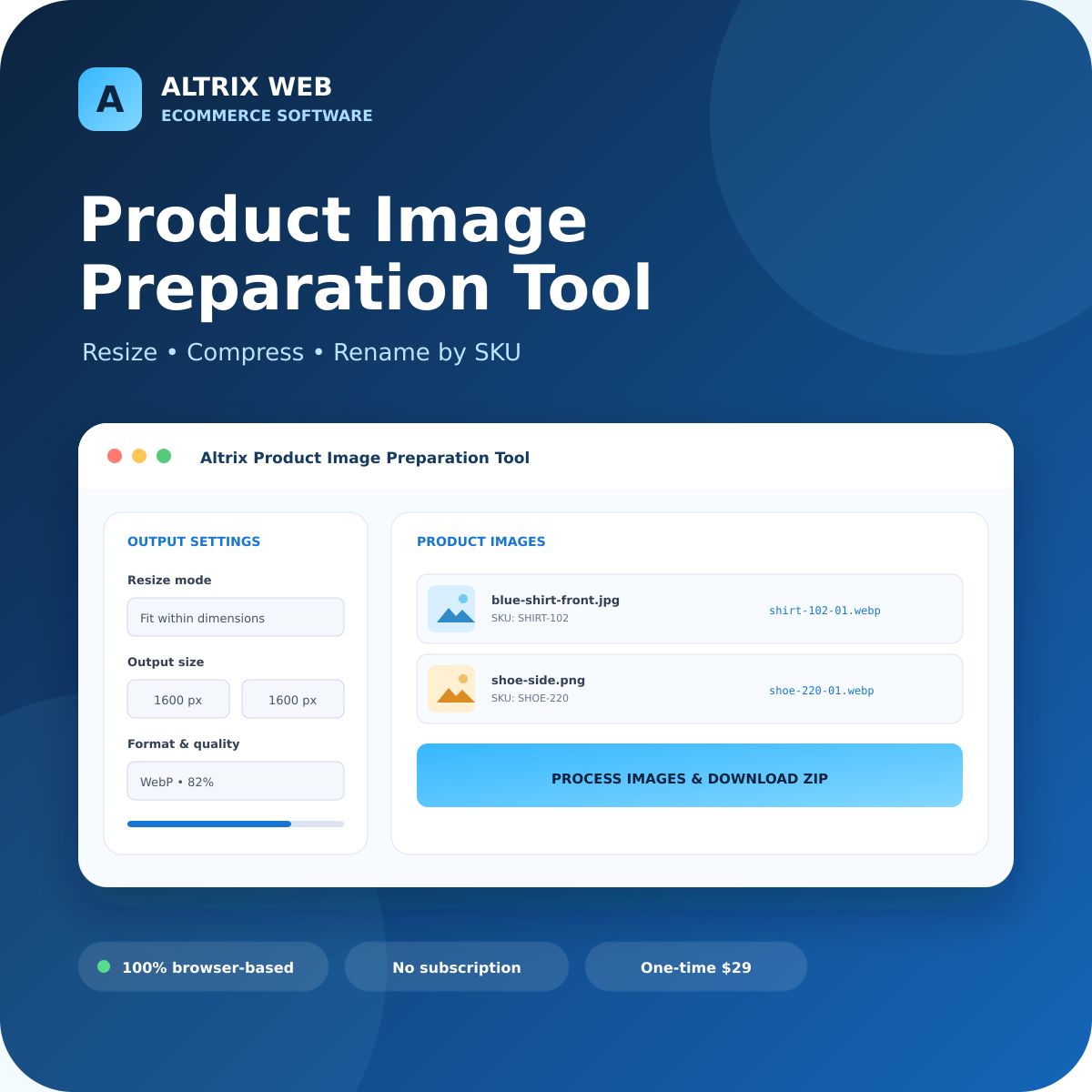
Turn mixed product images into upload-ready files
Built for online sellers, catalog managers, virtual assistants and migration teams that need consistent dimensions, smaller files and reliable SKU-based names.
Batch resize
Fit images within maximum dimensions, create an exact centre crop or contain the full image on a fixed-size canvas.
Compress intelligently
Choose JPEG or WebP quality, preserve the original format or convert the full batch to one consistent file type.
Rename by SKU
Edit the detected SKU, use flexible filename tokens and add automatic sequence numbers for multiple images of one product.
Process up to 200
Prepare as many as 200 product images in a batch and monitor progress while the browser generates the output.
Download one ZIP
Receive the entire processed batch in a single ZIP, with duplicate output names made unique automatically.
Keep source files safe
The tool generates new copies and never changes your originals. Embedded EXIF metadata is removed during re-encoding.
A simple four-step catalog workflow
Useful before imports, migrations and marketplace uploads
Standardize product photography before uploading to Shopify, WooCommerce, Amazon, eBay, Etsy or a supplier portal.
Privacy-friendly by design
The application runs from local files in your web browser. It has no image-upload or analytics function.
- Images remain on your device
- No store login or API connection
- No cloud processing subscription
- No changes to your original images
Altrix Product Image Preparation Tool
A downloadable browser tool for one named user. Use it for your own business and client catalog work.
One-time payment. No recurring subscription. Immediate ZIP download after successful payment.
Buy Now — $29Requires a current desktop version of Chrome, Edge, Firefox or Safari with JavaScript enabled.
Frequently asked questions
Do I need WordPress or Shopify to use the tool?
No. Extract the downloaded ZIP and open index.html in a current desktop browser. No installation, website or store connection is required.
Are my product images uploaded?
No. Image processing happens inside your browser. The application has no external image-upload or analytics function.
Which image formats are supported?
You can import JPEG, PNG and WebP files. Output can preserve each original file type or convert the batch to JPEG, PNG or WebP.
How does SKU renaming work?
The tool derives a starting SKU from the filename. You can edit every SKU, choose upper/lowercase, set sequence digits and build names using {sku}, {index} and {original} tokens.
Will my original images change?
No. The tool creates processed copies in a new ZIP. Always keep your originals and review output before importing it into a live store.
What does the license allow?
One purchase licenses one named user to prepare images for their own business and client catalog work. Redistribution, resale or sharing of the tool is not permitted.
Prepare cleaner catalog images before upload.
Resize, compress and rename the whole batch with one focused tool.