
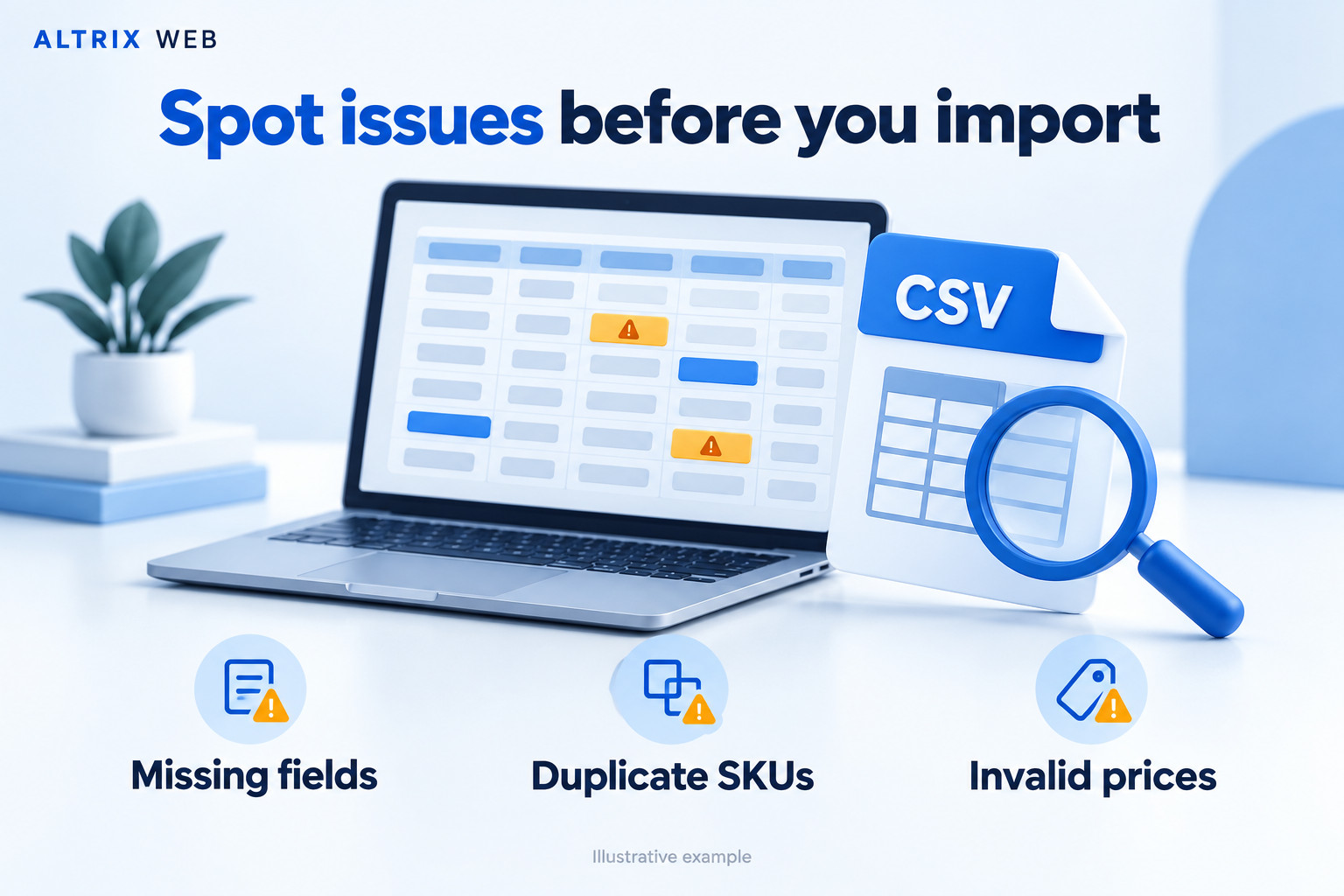
Product CSV Checker by Altrix Web helps you find missing fields, duplicate SKUs, invalid prices and inconsistent variants before importing products into your online store. Review your file, understand which records need attention and export a report to guide your corrections.
Built for store owners, freelancers and migration agencies, this standalone application processes product files locally on your computer. It performs a read-only review without automatically changing your original CSV or connecting to your store.
Getting started is straightforward: download the ZIP, extract its contents and open START-HERE.html in your desktop browser. No WordPress installation or store connection is required.
Explore Product CSV Checker
- Why check your product data?
- Six practical checking areas
- Examples of common CSV issues
- Shopify and Generic profiles
- Understanding your results
- How to use the application
- Local processing and privacy
- What your download includes
- Requirements and limits
- Price and usage license
- Frequently asked questions
Why use Product CSV Checker before an import?
Product data often passes through several spreadsheets before reaching an online store. Suppliers may use different column names, team members may enter prices inconsistently, and migration files may contain repeated identifiers or incomplete variant information.
These problems can be difficult to notice when a file contains hundreds or thousands of records. A spreadsheet may look orderly while still containing missing values, malformed records or duplicate combinations.
Product CSV Checker gives you a structured first review. Findings identify the affected record, field and value, with an explanation and suggested action. You can use that information to decide what to correct before running your platform’s own import process.
Useful for store owners and catalog managers
Review supplier files, prepare new product launches and check bulk catalog updates. For partial updates, interpret completeness warnings according to the fields you actually intend to change.
Useful for freelancers and migration agencies
Check client-provided files before migration work begins. Export findings to explain data problems, request missing information and document the selected checks completed before handoff.
Useful for repeatable product-data reviews
Apply a consistent review process whenever a new file arrives. Confirm the mappings, run the checks, correct the source and review the revised file before import.
Six practical checks in Product CSV Checker
1. Missing product information
Identify missing product titles and blank mapped SKUs or prices. Optional completeness checks also highlight products without mapped images, descriptions or categories.
Where a shared product identifier is available, completeness checks consider the product group. This accounts for files where the main product information appears on one row and related variants follow on subsequent rows.
Missing information requires context. A file intended only to update prices may deliberately omit descriptions. A new-product import may need those same descriptions completed before publication.
2. Duplicate SKUs
Find repeated SKUs across product and variant records. Choose whether matching should be case-sensitive, depending on how your catalog uses identifiers.
For example, SHIRT-001 and shirt-001 can be treated as matching identifiers when case-insensitive comparison is selected.
Product CSV Checker reports repeated SKUs as warnings because duplication may be intentional. Review whether the records represent separate sellable items, repeated exports or a deliberate catalog convention before changing them.
3. Invalid and suspicious prices
Review mapped selling prices and compare-at prices for values that need attention:
- Missing or zero selling prices.
- Negative amounts.
- Non-numeric text and currency symbols.
- Unsupported numeric formatting, including thousands separators.
- Invalid compare-at prices.
- Compare-at prices equal to or below the selling price.
A value such as $29 is flagged for review. Where your destination requires a plain decimal, a value such as 29.00 may be appropriate.
A blank or zero price is not automatically proof that your platform will reject a record. It may represent an intentional free item, an incomplete product or a partial update.
4. Inconsistent variants
Map a shared product ID or handle and up to three option name/value pairs to review related variant records together.
- Find option values without corresponding names.
- Identify missing values for named options.
- Review inconsistent option names within a product group.
- Detect gaps between option positions.
- Find repeated option combinations within the same product.
For example, two rows for the same shirt with the same Size and Colour combination can indicate a duplicate variant. Review the records before deciding which row to keep.
5. CSV structure problems
Product CSV Checker reviews file structure as well as mapped product fields. It detects malformed quoting, blank or duplicate headers and records whose field counts differ from the header.
Quoted commas, escaped quotation marks and multiline values are supported. A comma inside a properly quoted description is treated as part of that field.
Records with inconsistent field counts are reported and excluded from field-level checks until corrected. Resolve structural problems first so subsequent checks can interpret the data properly.
6. Image URL format
Mapped image values are checked for absolute HTTP or HTTPS URL format. A local filename such as shirt-front.jpg does not provide the same information as a complete web address.
This is a syntax check only. The application does not visit image URLs, confirm that files exist, check access permissions or assess image quality.
Product CSV Checker examples: what findings mean
The examples below show situations that may require attention. They are illustrative examples, not results from your own catalog.
| Example | Why review it? | Suggested action |
|---|---|---|
Two records use TSHIRT-001. |
The SKU appears more than once. | Confirm whether these represent the same item or require separate identifiers. |
A selling price contains $29.00. |
The value includes a currency symbol. | Check the destination format and use a plain decimal where required. |
A selling price is 0. |
The item may become free if imported as entered. | Confirm that zero is intentional. |
| A product repeats the same Size and Colour combination. | Two rows may describe the same variant. | Compare the records and resolve unintended duplication. |
| A CSV record has fewer fields than its header. | Values may be missing or incorrectly separated. | Review delimiters and quoting, then export and check again. |
An image field contains photo.jpg. |
The value is not an absolute HTTP or HTTPS address. | Provide a suitable complete image URL if required for your import. |
Choose your Product CSV Checker profile
Shopify product CSV profile
Use this profile for product files with Shopify-style fields and shared product handles. Common current and legacy column names can be mapped automatically; always review the proposed mappings.
The profile supports grouped records, blank titles on continuation rows and recognition of image-only rows when the mapped fields match that pattern. It also includes selected checks for handles, status values and comma separation.
These checks do not reproduce every Shopify import rule or inspect the products already in your store. Use Shopify’s import preview and documentation alongside your findings.
Generic product and variant CSV profile
Use Generic mode for flat product files with different column names. Map your title, SKU, price and other supported fields to the corresponding columns.
For variants, map a shared product identifier and the option columns. Without suitable grouping information, related records cannot be reviewed together in the intended way.
Generic mode does not implement every marketplace format or special WooCommerce parent/child record structure.
Understand Product CSV Checker reports
Each stored finding includes the starting source line of the record, severity, a product identifier where available, the affected column, the relevant value, an explanation and a suggested action.
Start by reviewing structural errors, then work through field-level findings. Warnings identify items that require judgment and may not always need a change.
- Search findings to locate relevant records or issues.
- Filter results by severity.
- Browse paginated results.
- Export all stored findings as CSV.
- Export only the filtered selection.
- Print an audit summary or save it as PDF through your browser.
The printable summary includes totals and column mappings. Use the findings CSV for the detailed record-level report.
Source line numbers refer to the physical starting line of each CSV record. A multiline description can make this different from the row number shown in a spreadsheet.
How to use Product CSV Checker
- Download and extract: save the ZIP and extract its contents into a folder.
- Open the application: launch
START-HERE.htmlin your desktop browser. - Select a file: choose a supported product CSV, TSV or delimited TXT file.
- Confirm the setup: review the delimiter, checking profile and column mappings.
- Run the checks: review the resulting errors and warnings.
- Export findings: save a report for yourself or your client if needed.
- Correct the source: make appropriate changes in your spreadsheet or CSV editor.
- Check again: reopen the revised file and review the new results.
- Test the import: use your destination platform’s preview and a small test batch.
A title mapping is required. Other unmapped fields are skipped, so confirm the mappings whenever you open a new file. An unmapped price column, for example, is not receiving price validation.
Keep a backup of the original file. When editing identifiers in a spreadsheet, take care to preserve leading zeros and avoid unintended date or number conversions.
Product CSV Checker local processing and privacy
Your selected file is processed locally in your browser. The application does not upload your catalog to Altrix Web or send it to an external scanning service.
No store login, API key or online account is needed to run the checker. The application includes no analytics or remote libraries, and it can run without an internet connection after the package has been downloaded.
Results remain in browser memory until you clear the session or close the page. Reports you download remain wherever you save them. Handle exported reports according to your own business and client confidentiality requirements.
What your Product CSV Checker download includes
- Altrix Product CSV Checker v1.0.0.
- A self-contained browser application.
- Shopify and Generic checking profiles.
- Findings CSV export and a printable summary.
- Clean and problem-filled sample CSV files.
- Getting-started and troubleshooting instructions.
- Editable source code for permitted internal modifications.
- The included usage license.
Use the sample files to explore the workflow before reviewing your own catalog. Demonstration data and placeholder image URLs must be replaced before using sample content in a live store.
Product CSV Checker requirements and limits
You need a desktop browser with JavaScript, local file-reading support and Blob Web Workers. Browser settings or organization policies may restrict local applications.
Supported inputs are UTF-8 CSV, TSV and delimited TXT files. Export Excel workbooks as CSV UTF-8 before selecting them.
- Maximum file size: 20 MB.
- Maximum data records: 100,000.
- Maximum columns: 250.
- Maximum variant option pairs: three.
- Maximum stored findings: 25,000.
These are application limits, not performance guarantees for every computer. Processing speed depends on your device and the contents of the file.
When the stored-findings limit is exceeded, the report is marked partial. Split the input into smaller files to obtain complete findings exports. Keep all rows for a related product together when checking grouped variants.
Price and usage license
Introductory price: $29 USD as a one-time purchase. No recurring subscription is required for this version.
The included license permits one individual or organization to use the application on its own devices for internal checks and client audit services. Generated reports may be shared with clients.
Redistribution, resale and public hosting of the application are not included. The purchase does not promise lifetime updates or a particular support period.
If your order provides five downloads within 30 days, that restriction applies to retrieving the package from the store. It does not mean the downloaded software expires after 30 days.
Product CSV Checker frequently asked questions
Is this a WordPress plugin?
No. It is a standalone browser application supplied as a ZIP download. Extract the package and open START-HERE.html; do not upload it through the WordPress plugin installer.
Does it automatically fix my CSV?
No. It identifies selected issues and provides suggested actions. You make corrections in your preferred editor, keeping control over the changes.
Can I use it for client projects?
Yes. The included license allows client audit services using the software on your own devices. You may share the generated reports, but distributing the application to clients is not included.
Can it compare my file with my existing store?
No. Product CSV Checker reviews the selected local file. It does not connect to your store or detect conflicts with products that exist only in your live catalog.
Does it check whether image links work?
No. The image check reviews URL syntax. It does not request the image, detect a missing file or confirm that the destination platform can download it.
Why are some warnings intentional?
A free product can legitimately have a zero price, and an update file may intentionally omit optional content. Findings help you review these situations rather than automatically treating every warning as a required correction.
Does a clean report guarantee a successful import?
No. A clean report means no issues were found by the selected checks. Import success also depends on your platform, mappings, existing records and rules outside this application’s scope.
Know the scope before importing
Product CSV Checker does not validate every inventory rule, tax setting, fulfillment dependency, metafield, market-specific price or destination-platform requirement.
Keep a backup, review your platform’s import preview and test a small batch before applying large catalog changes. Use the checker as one part of a careful product-data preparation process.
Documentation and further help
Preparing a Shopify import? Read
Shopify’s official product CSV documentation
for file-format requirements and platform-specific guidance.
For information about our business and services, visit
Altrix Web.
Built by Altrix Web for practical product-data review. This is an independent tool and is not affiliated with or endorsed by Shopify.
Reviews
There are no reviews yet.