
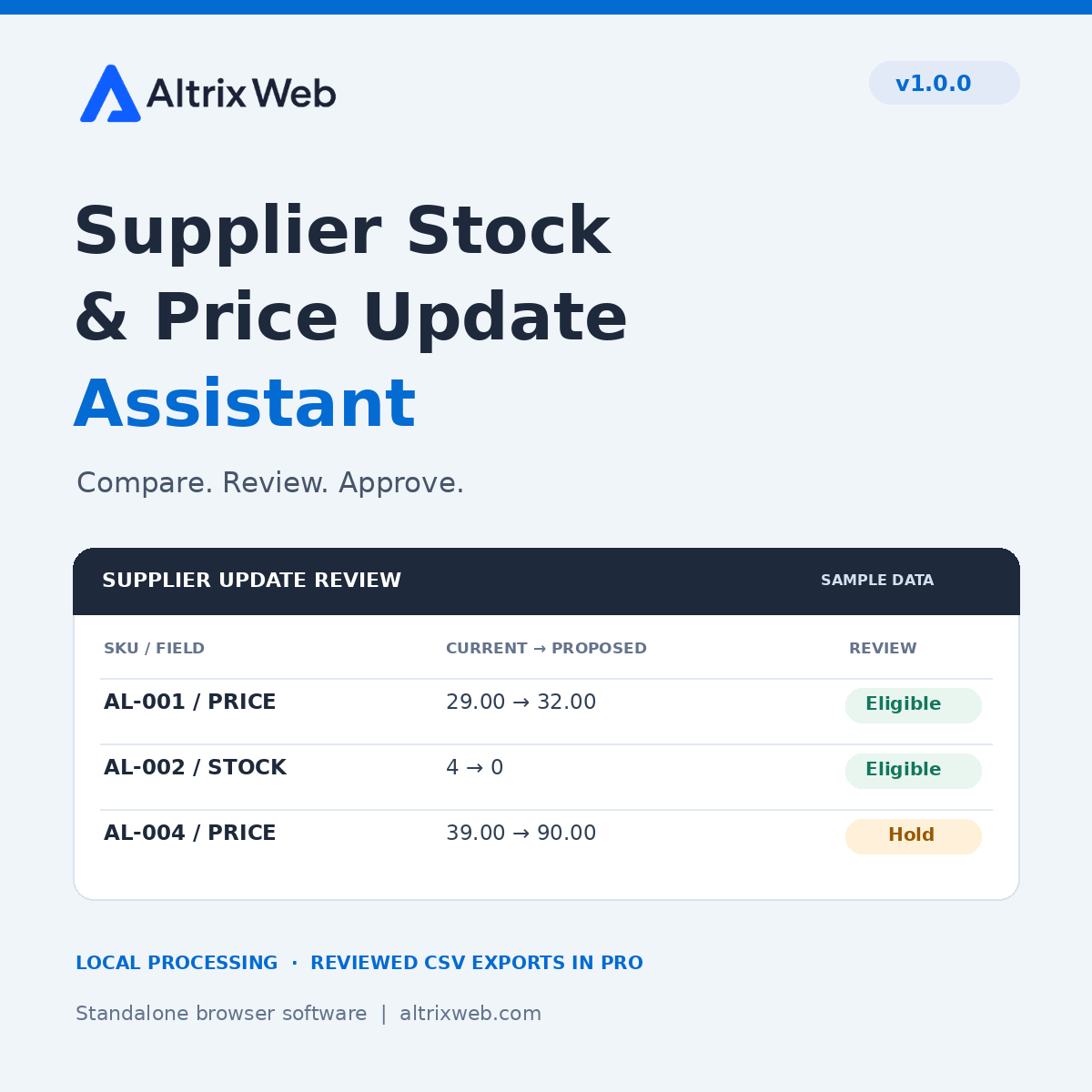
Prepare a smaller, reviewed supplier update.
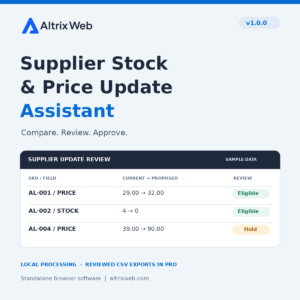
Altrix Supplier Stock & Price Update Assistant Pro compares a supplier’s latest CSV with your current store export, identifies stock and regular-price differences, and exports only the eligible changes you select.
Designed for stores receiving recurring supplier spreadsheets, catalog freelancers and agencies. The downloaded application processes files locally in your desktop browser, without store credentials or automatic product changes.
What Pro includes
- Up to 100,000 data rows and 20 MB per input file.
- SKU matching, duplicate detection and five clear result statuses.
- Old and proposed stock/price values with source-line references.
- Selected WooCommerce price and stock update CSVs, exported separately.
- Cost + markup or target gross-margin pricing, plus an optional fixed addition.
- Minimum gross-margin review guard, price-change threshold and stock buffer.
- Saved JSON mapping profiles containing column names and rules.
- Audit CSV, search, filters, pagination, sample comparison and user guide.
Safety checks with a clear scope
Duplicate and blank SKUs, invalid values, zero proposed prices, guard failures and unsupported product types are held for review. Products absent from the supplier file stay unchanged. The assistant does not create unmatched products, convert currencies, import files, change sale prices or synchronize live inventory.
Compatibility and requirements
| Application | Standalone HTML/JavaScript software; extract the ZIP and open index.html. |
|---|---|
| Input files | UTF-8 CSV, TSV or delimited TXT. Save Excel workbooks as CSV UTF-8. No direct XLSX or PDF input. |
| WooCommerce updates | Existing simple products and individual variations, unique SKUs and mapped Type. Stock updates require independently managed numeric stock. |
| Other platforms | Suitable CSVs can be compared. Generic output is a changes report, not a platform import template. |
| Numbers | Non-negative integer stock; plain prices/costs with up to two decimals. Same currency and tax basis in both files. |
| Browser | Modern desktop Chrome, Edge or Firefox with local file access and Blob Web Workers; device memory and policies affect limits. |
Your purchase and download
One-time purchase of version 1.0.0. No subscription, online activation or app expiry. Includes the application, required assets, user guide, built-in sample files and license. The purchaser may process their own business and client files; the Pro software itself may not be redistributed or resold.
Order download access: up to 5 downloads within 30 days after access is granted. Keep a backup of your ZIP. This download-access limit does not make the extracted application expire. Lifetime support and future-version updates are not included promises.
Try the free 50-row trial before purchasing, or view the full feature comparison. For a format question, contact Altrix Web.
How to start
- Download and extract the ZIP.
- Open index.html in a supported desktop browser.
- Load the sample or choose your supplier and store files.
- Review mappings and rules, then compare.
- Approve eligible changes, export and test your separate WooCommerce import.
Will it update my live store?
No. It prepares files locally. You perform and verify the separate WooCommerce import.
Do I install this application through WordPress?
No. Open the extracted customer package on your computer. It is standalone software.
Are sales or savings guaranteed?
No. It offers a defined comparison and export workflow; outcomes depend on the input data, chosen rules and subsequent import process.
Reviews
There are no reviews yet.